

01
Process audit
Audit
Map manual steps, data handoffs, and pain points before any trigger gets configured.
 Loading
Operating model
One system. Three surfaces.
01 — Build
Digital foundations.
Websites, apps, CRM, ERP, and automation — infrastructure designed for clarity and scale.
The brief
We wire workflows around how your team actually operates: triggers when events happen, data synced between tools, notifications when something needs attention — not brittle scripts that break every quarter.
If your team copies the same data twice, that's a workflow waiting to be automated.
Build principle
What’s included
Process audit, trigger points, and automation opportunities mapped before anything gets wired.
CRM, ERP, email, Slack, billing, and warehouse hooks connected without re-keying.
Event-driven rules, approvals, and notifications that match how teams actually operate.
Error alerts, logging, docs, and optional maintenance when workflows go live.
Where it travels
Your automation connects ops to sales and commerce — workflow clarity first, then CRM and ERP when systems need to talk.
Triggers, rules, and integrations — busywork removed without breaking what works.
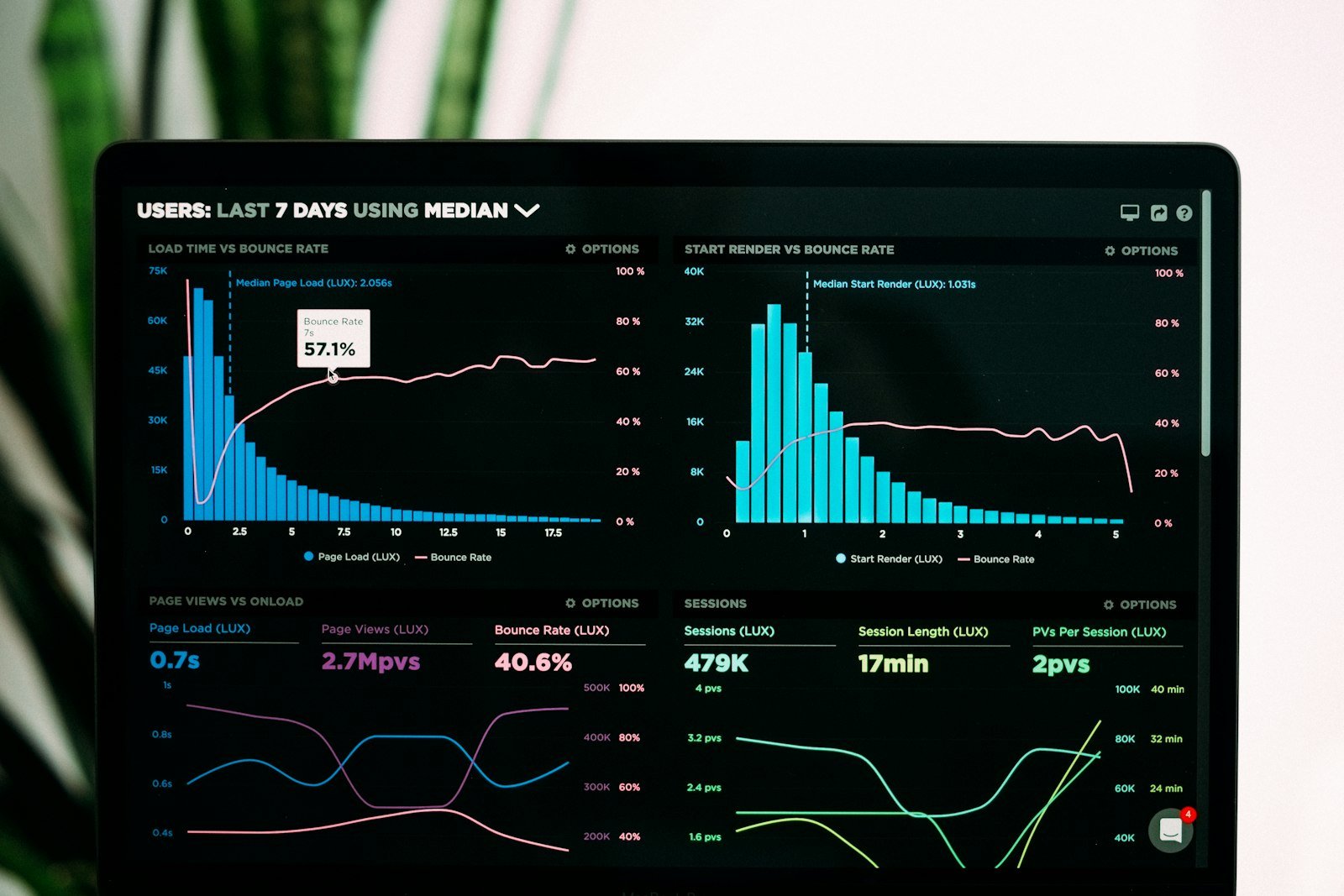
Lead routing, pipeline updates, and customer notifications automated from real events.
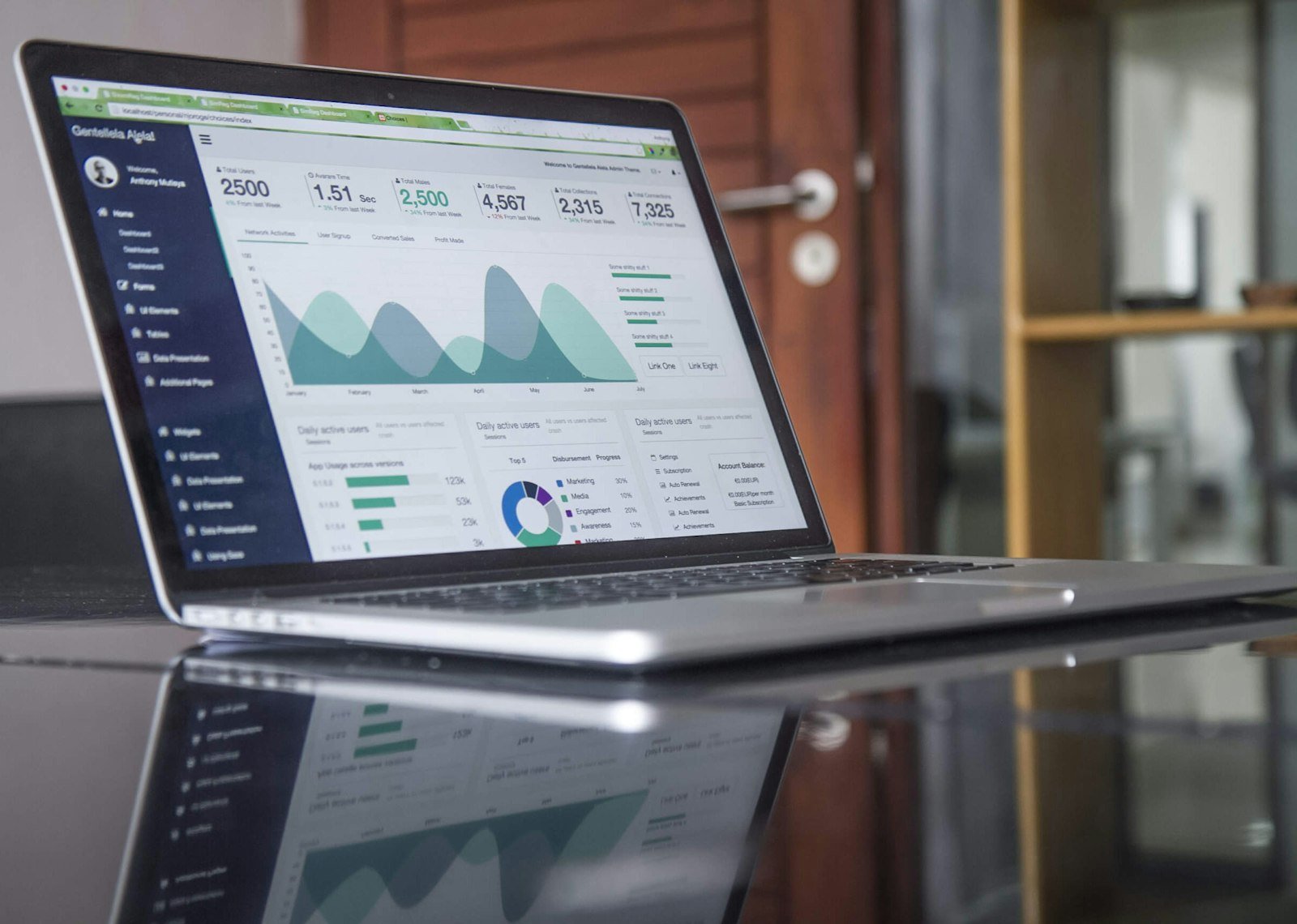
Stock alerts, purchase orders, and billing triggers that move data without manual copy-paste.
Selected work
One automation at a time — pick a brief, see the workflow that cleared it.
01/ 03
Full portfolio
01 / 03
Commerce
01Storefront orders flowing into ERP and fulfilment — no manual order entry or spreadsheet exports.
Outcome Real-time order pipeline
Explore case →How we work
A straight path from process audit to live workflows — each phase leaves something your team can test before go-live.
Process audit
Map manual steps, data handoffs, and pain points before any trigger gets configured.
Workflow design
Triggers, rules, and integration points defined in reviewable workflow diagrams.
Integration build
Connect CRM, ERP, email, Slack, and billing with tested automation logic.
Go-live
Launch workflows with error alerts, logging, docs, and optional ongoing maintenance.
Next step
Share what your team does by hand today — we’ll map triggers, integrations, and the shortest path to workflows that run without you.
Prefer email?
hello@takedigitalsolutions.comReady when you are
Usually replies within one business day.
Start the conversation